Contact support
Get help from the Polar team: report a problem in the app, email support, check for outages, or ask other users.
If something in Polar isn't working, start with Troubleshoot Polar. If that doesn't fix it, here's how to reach the Polar team.
Report a problem in the app
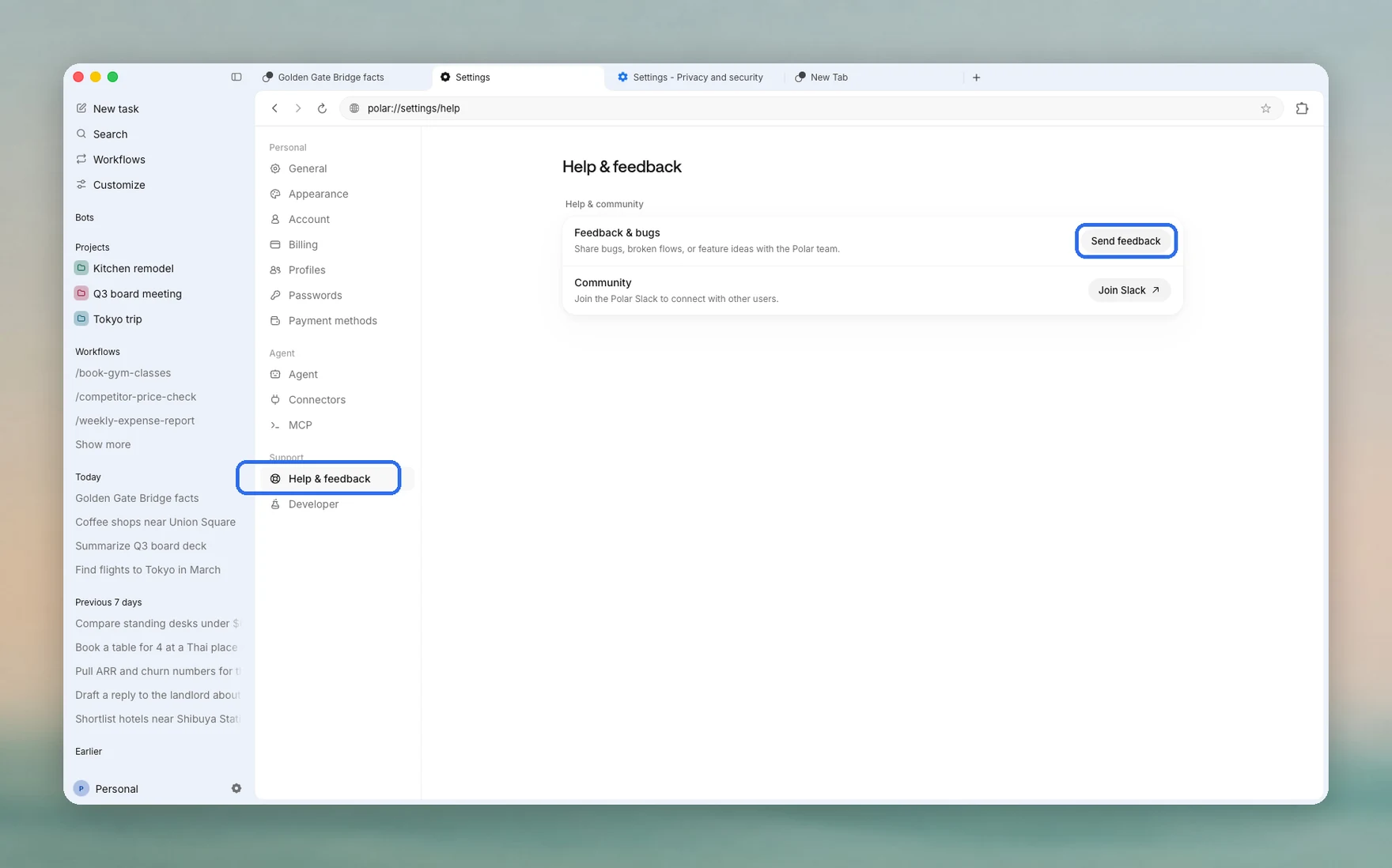
- Open Settings → Help & feedback. You can also click your profile at the bottom of the sidebar and choose Help & Feedback.
- Click Send feedback.
- Pick Feature idea, Something's off, or Blocking issue, describe it, and click Send feedback.
Pick Blocking issue if the problem stops you from working.
Email support
Email support@polarbrowser.com for anything else, like a billing question, a problem with your account, or when you can't open Polar at all.
Check for outages
If tasks keep failing or Polar can't connect, check Polar status for outages.
Rate one of Polar's replies
Click Good response or Bad response under the reply and add a note. The note goes to the Polar team.
Ask other users
In Settings → Help & feedback, click Join Slack next to Community.